AI species matching for Lightroom Classic.
Select photos and run Nomen. Species names and keywords go straight into your catalog, with a caption ready to post. It runs on your computer, with no uploads and no internet needed. And there’s no subscription.
1.3 million+ species · Photos never uploaded · Works offline · Pay once · GPS-aware matching
You already did the hard part.
You traveled, waited, watched, tracked, and got the shot. Then comes the part nobody loves: hundreds or thousands of files that still need names and keywords, done the same way every time. Leave that undone and your best images get buried. You know you shot that heron. You just can’t find it.
Nomen helps you finish the job.
Nomen runs inside Lightroom Classic. Point it at one photo or a whole shoot, and it suggests likely species and writes the ones you accept into your catalog. You never open a browser tab or a second app, and nothing gets exported and re-imported.
Your photos stay yours.
Nomen never uploads a photo. Matching and subject finding happen on your computer. The GPS lookup does too, so the location of a nest or a rare orchid stays with you. And since Nomen never receives your photos, they can’t be used to train anyone’s AI.
It works where you shoot. Once the species data is on your laptop, Nomen matches on a dive boat or at a field station. In a tent with no internet, too. It needs a connection once every 60 days to check your license.
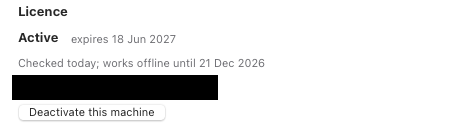
You pay once, with no subscription and nothing billed per photo. If the license server is ever retired, a final update will remove the check, so the version you paid for keeps working.
Fast, but not blind.
If a photo has GPS data, Nomen works out which country it was taken in, offline, and narrows its suggestions to species that occur there. A bird you shot in Costa Rica won’t come back as a lookalike that lives only in Southeast Asia. And when the top two matches are close, Nomen can flag the call in the match window and search the neighboring countries before you apply.
Turn a backlog into a catalog.
Nomen writes common and scientific names into Lightroom, adds a caption, and files each species in a keyword hierarchy. Twenty custom fields, nine of them searchable, let you filter and sort by things like species, region, family group or rarity.
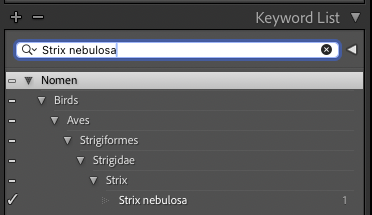
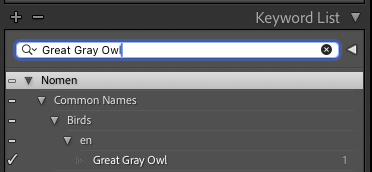
Years from now, a species search in Lightroom will still find the photos you matched to it.
Built for photographers who care about accuracy.
Nomen follows the way wildlife photographers already work, from matching a whole trip in one batch to writing the keyword trees you’d otherwise build by hand.
01
Match a whole trip
Select a morning’s shoot or a month-long trip. Nomen matches the photos on your computer and writes the results when the batch finishes. Turn on Skip already-matched photos to leave earlier matches alone.
02
Review close calls
Review matches one at a time or in a grid. Or skip review. Close calls can be flagged in the match window, with an option to widen the search to neighboring countries.
03
Keep your catalog clean
Nomen writes the same keyword structure every time: group, class, order, family, genus, species, plus common names. No more hand-built hierarchies that drift.
04
Count the flock
Simple survey and Deep survey find every individual in a flock or on a reef and give you a count for each species.
New to Nomen? Start with the workflow guides.
Five walkthroughs: your first match, matching a full trip, taking Nomen into the field, working through a backlog, and what to do when matches are wrong.
About the Maker
Built by a wildlife photographer who writes code.
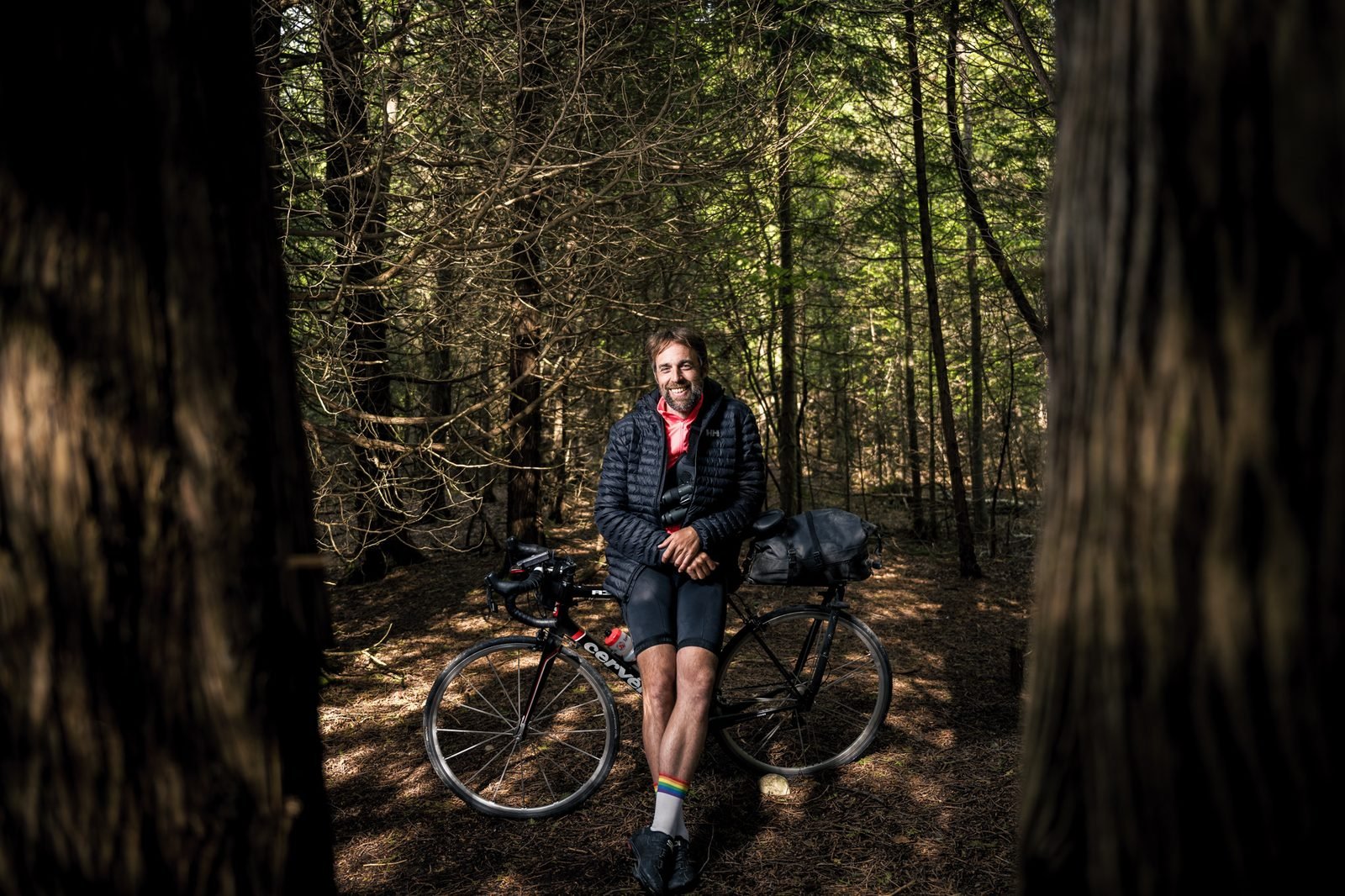
I’m Brett Forsyth, a wildlife photographer, software developer, and educator. I do all three at once. I’ve spent more than a decade photographing birds and insects, reptiles and mammals, and aquatic life. I build software and design my own hardware from scratch, camera traps included (circuit board, housing, firmware). I also spent six years teaching digital design at Vancouver Film School, leading programs that covered programming, branding, motion graphics, and video.
In 2022 I did Ontario’s first human-powered Big Year: a year of birding by bicycle, with 275 species and zero carbon. My Lightroom catalog now holds over 100,000 photos going back to 2013. And almost none were tagged. I had the backlog problem every wildlife photographer has. I also had the engineering background to do something about it.
I built Nomen to name my own work. It runs inside Lightroom Classic because that’s where the photos already live.
Four steps to a named catalog.
01
Install the plugin.
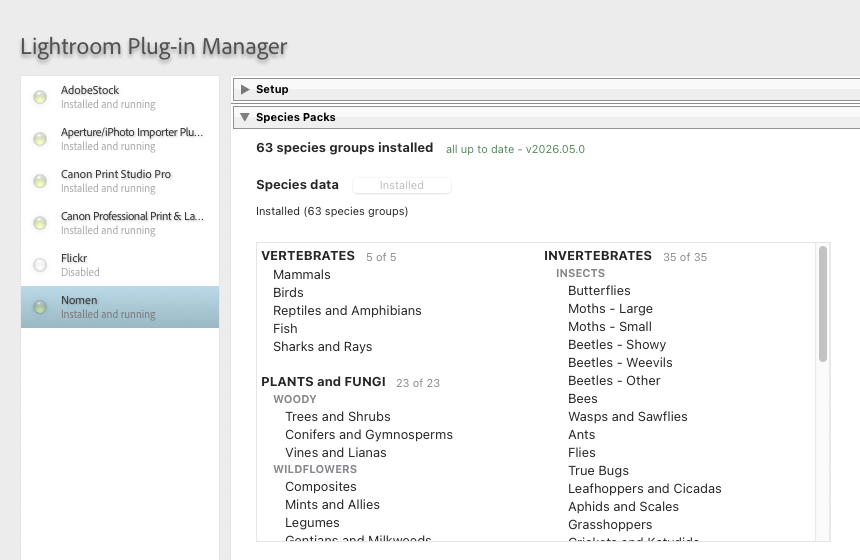
Download Nomen and add it to Lightroom Classic through the Plug-in Manager.
02
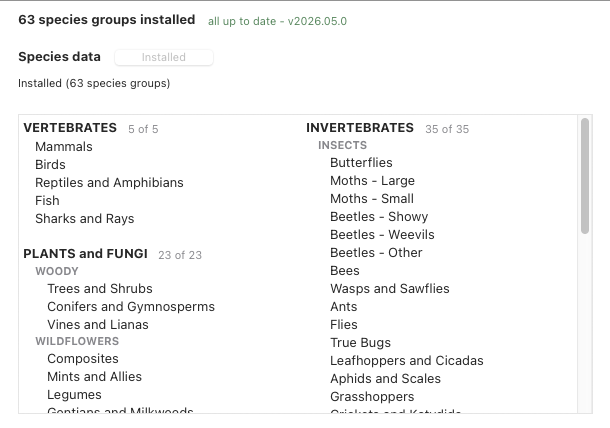
Download the species data.
One download covers all 63 species groups, land and aquatic. Matching runs offline from then on.
03
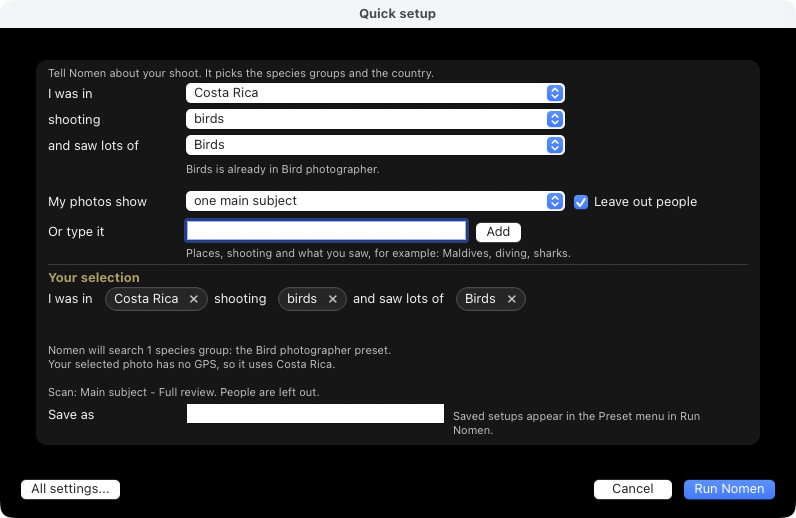
Select and match.
Pick one photo or a full shoot. Tell Quick setup where you were and what you saw, and it picks the species groups and the country. Choose from five detection modes: Fast, Main subject, Every subject, Simple survey, or Deep survey. Click Run Nomen. Nomen processes the photos locally on your machine.
04
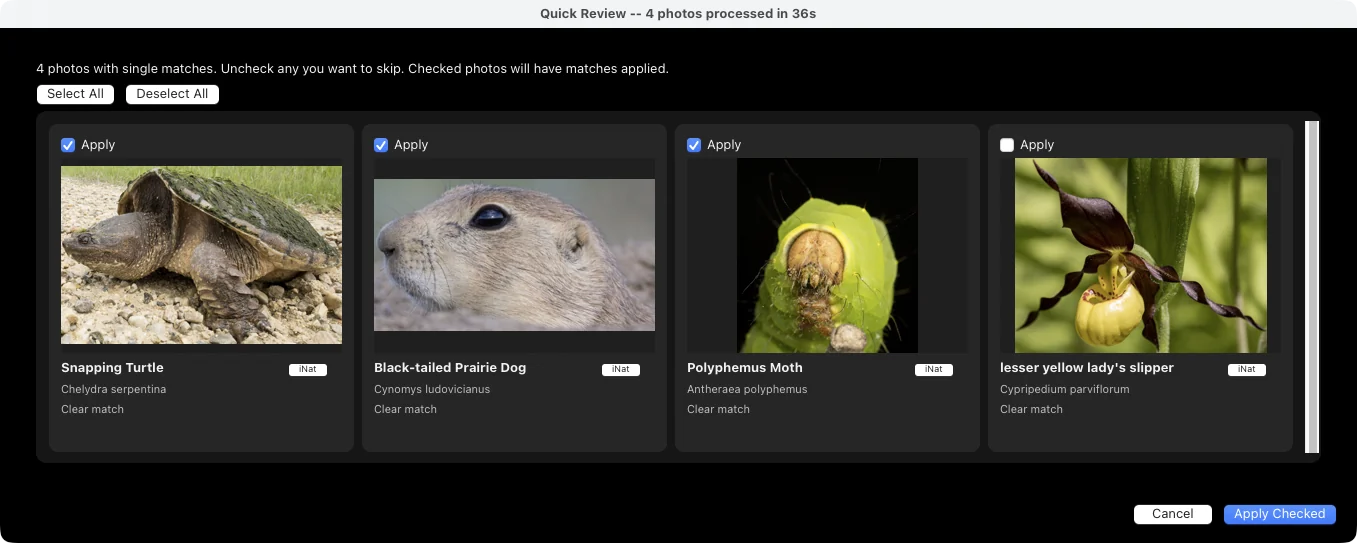
Review and accept.
Nomen writes accepted results directly into your catalog: names and keywords, a caption, and the fields you can search on. Review as much or as little as you want.
Launching soon.
Beta signups are closed while I get Nomen ready for release. Leave your email and I’ll send you one email when it launches.
Give your photos their right names.
About 1.3 GB for the matching engine on a Mac (up to 2.1 GB on Windows), plus about 4.5 GB of species data. With everything installed, about 5.8 GB on a Mac or 6.6 GB on Windows. Apple Silicon Macs or Windows 10/11. Lightroom Classic 13.0 or later.